App Alarm Push Notifications
Overview
When the ThingsIoT platform's alarm function is used together with the mobile app, alarm information can be pushed directly to a mobile phone.
Quick Start
Alarm Rule
First add an alarm task by following the Alarm Rules documentation.
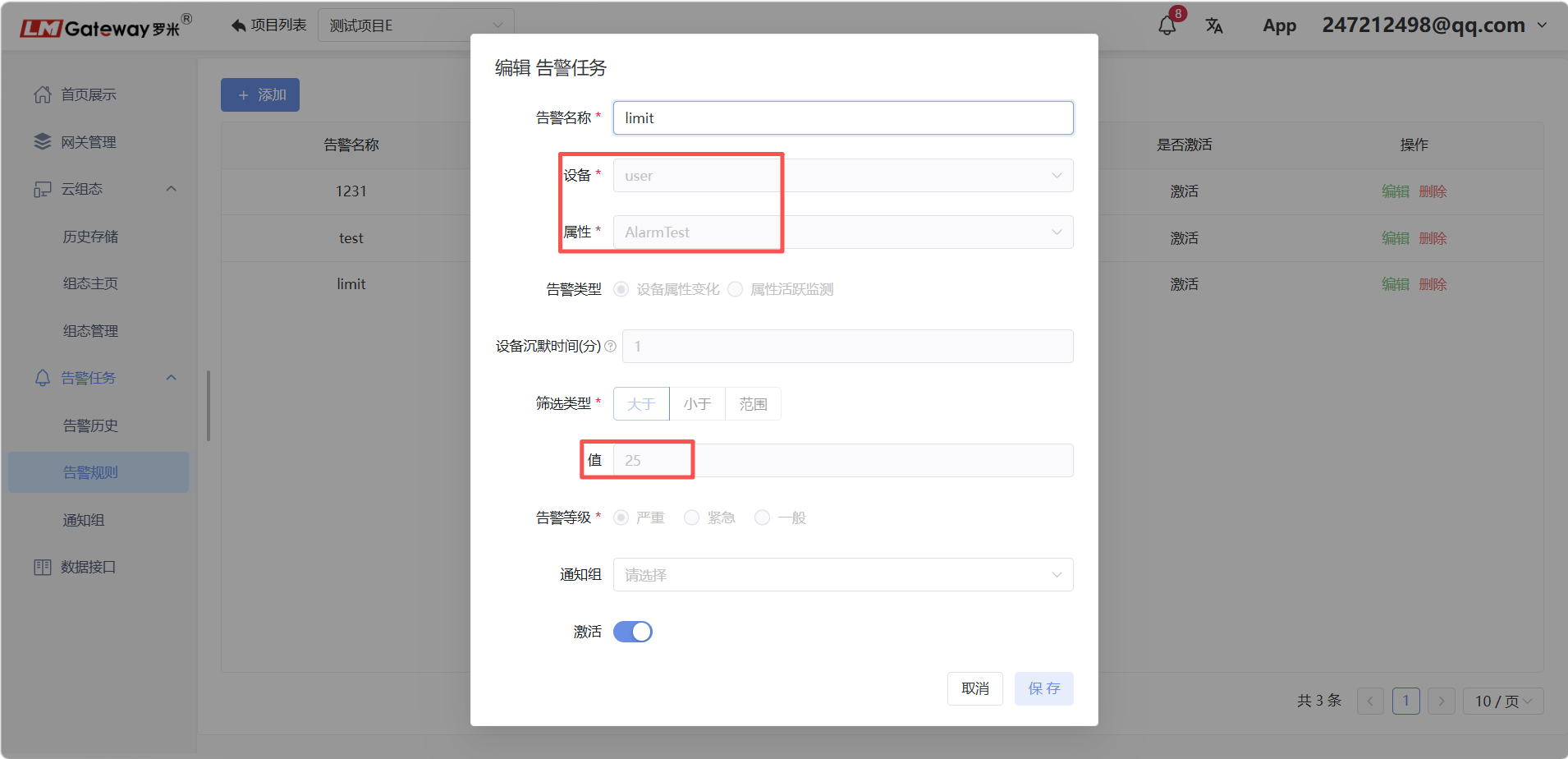
The example below uses user.AlarmTest to test alarm notifications.
Add the Alarm Point to Historical Storage
Before the platform can push alarm information, the alarm data point must be added to historical storage.
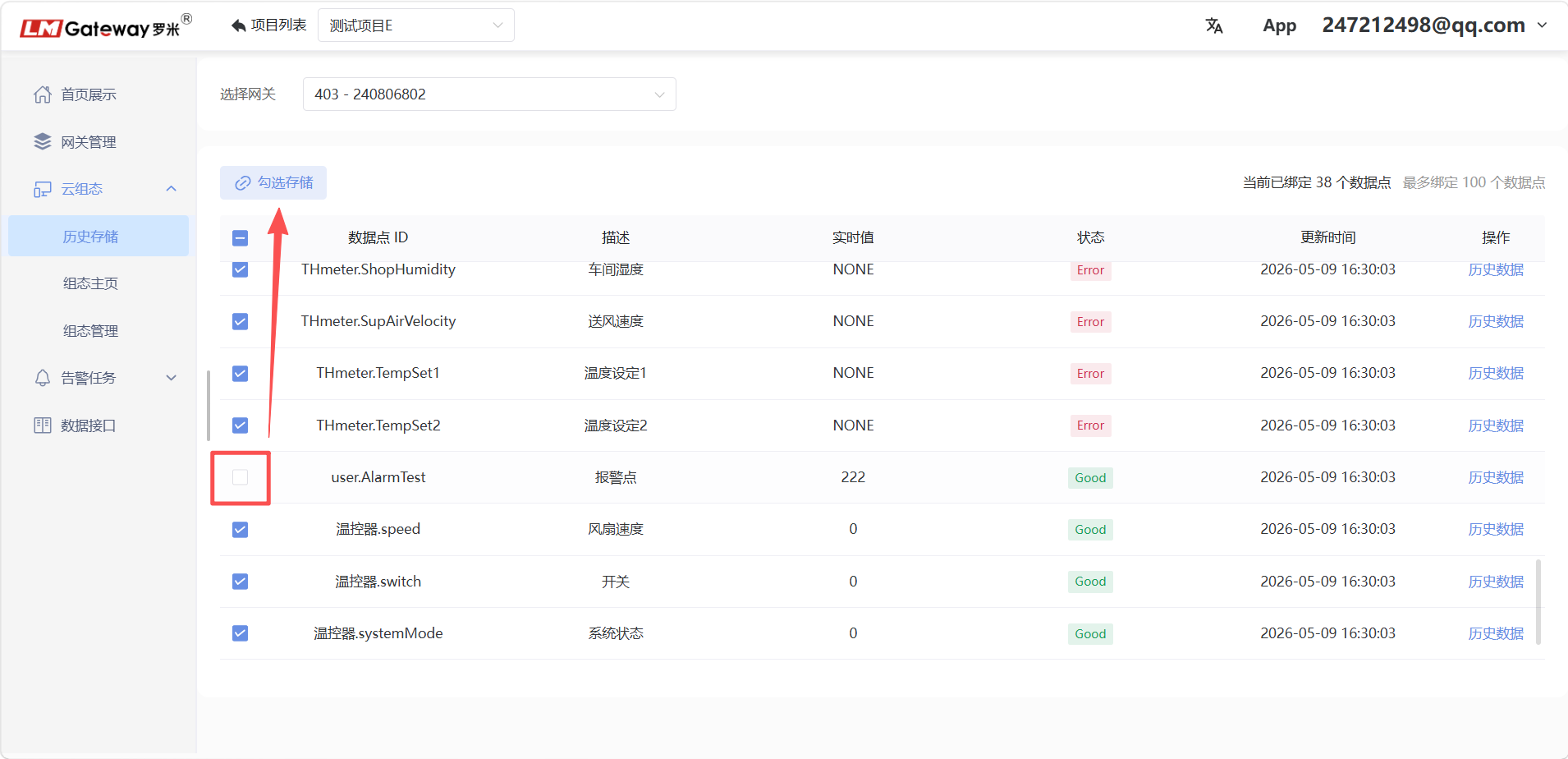
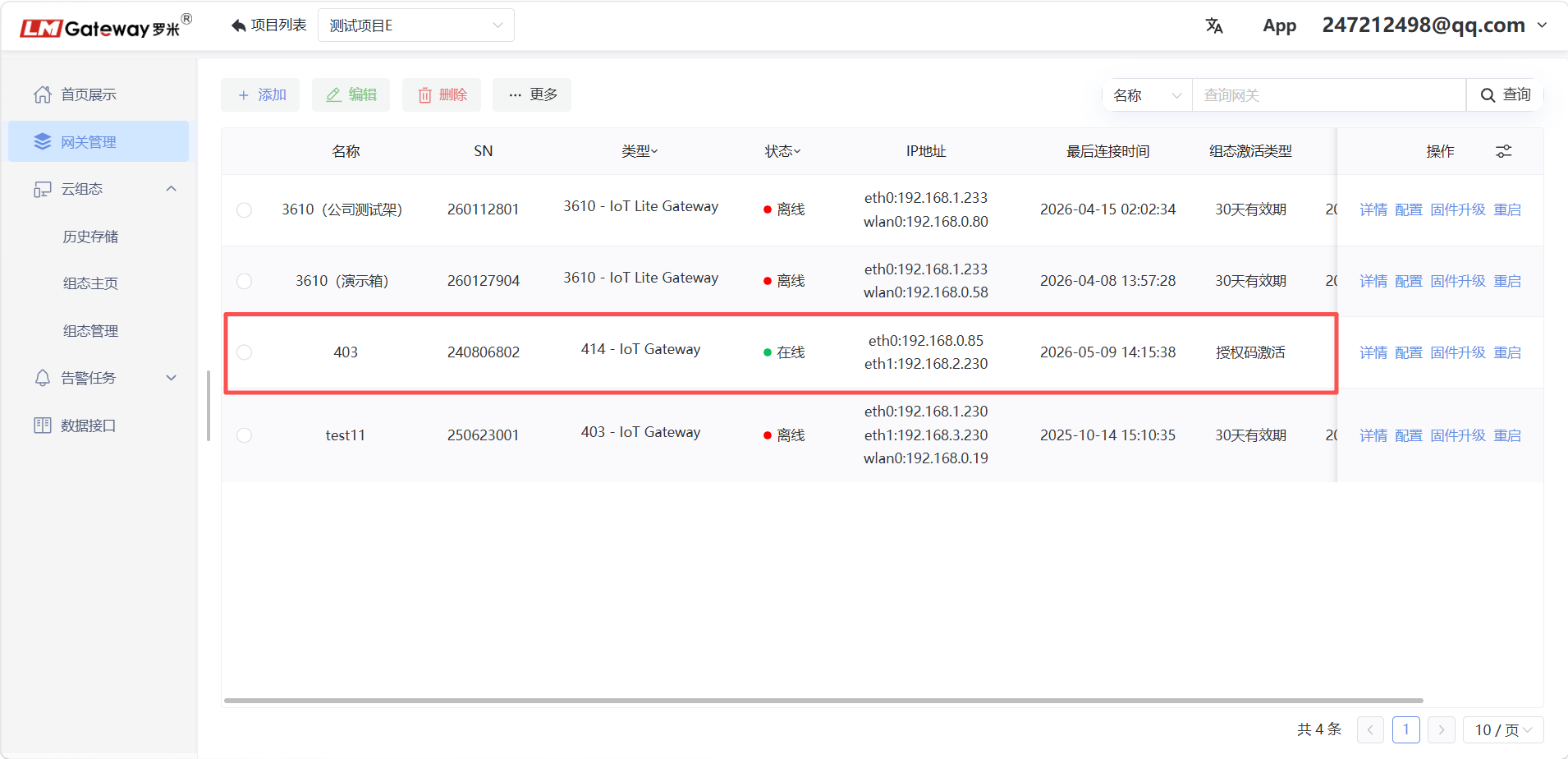
Note: If the gateway shows that storage has expired, contact us to purchase a license.
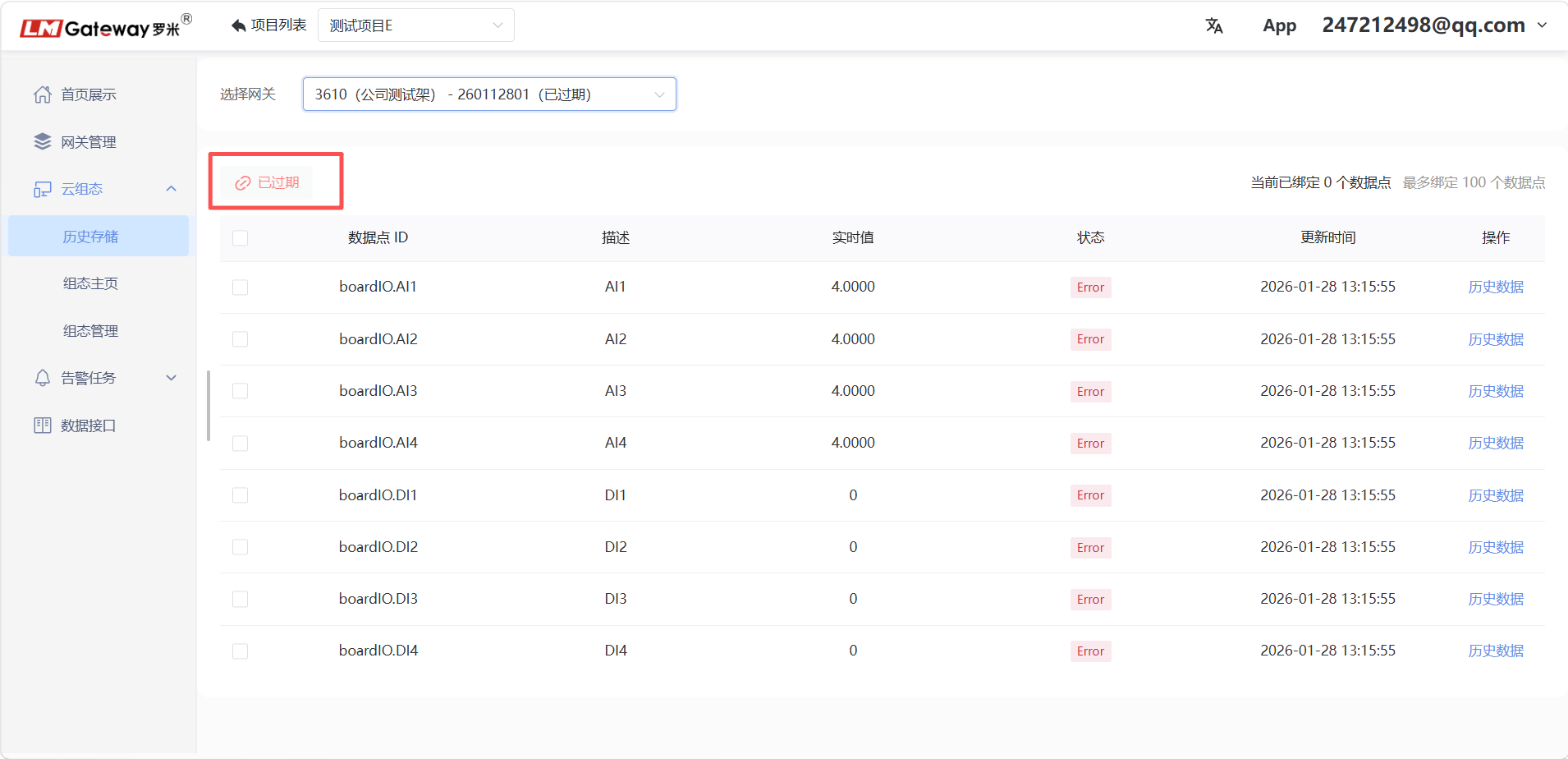
An unlicensed gateway receives 30 days of free storage. After this period, the gateway must be licensed and activated to continue using the platform's historical-storage function.
Download and Use the App
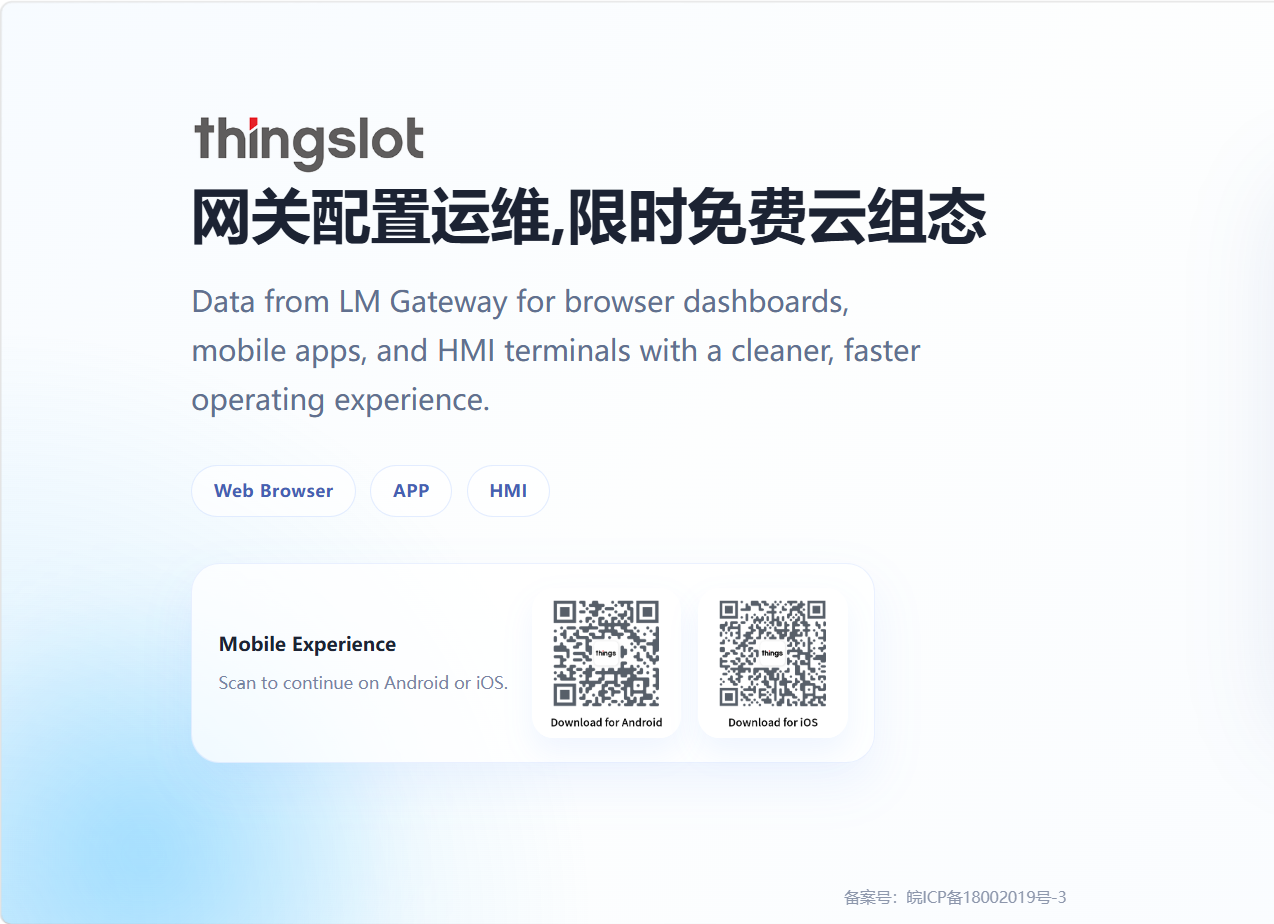
Scan the QR code to download the appropriate app version. Both iOS and Android are supported.
Enable the app's Allow Notifications permission to receive alarm push notifications.
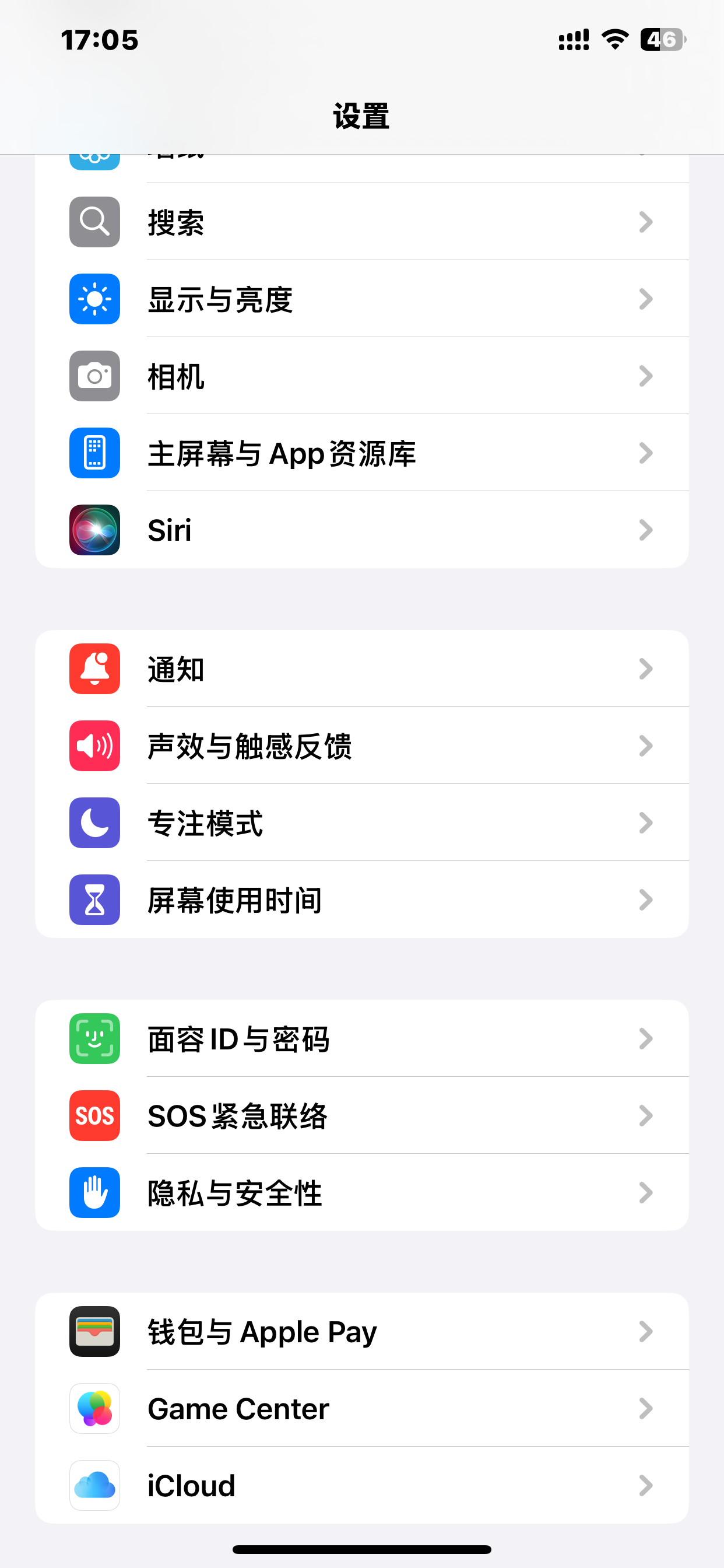
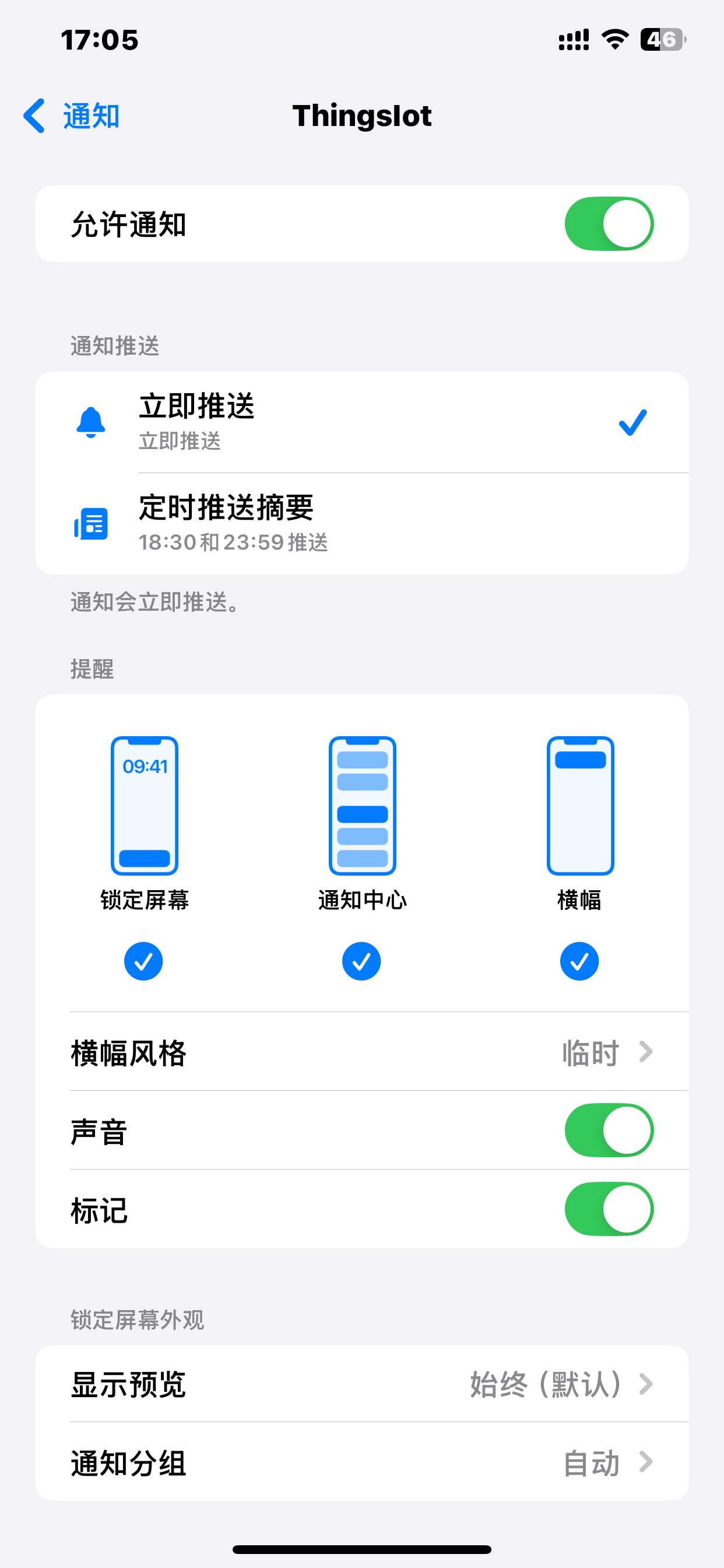
The example below tests alarm push notifications on an iOS phone.
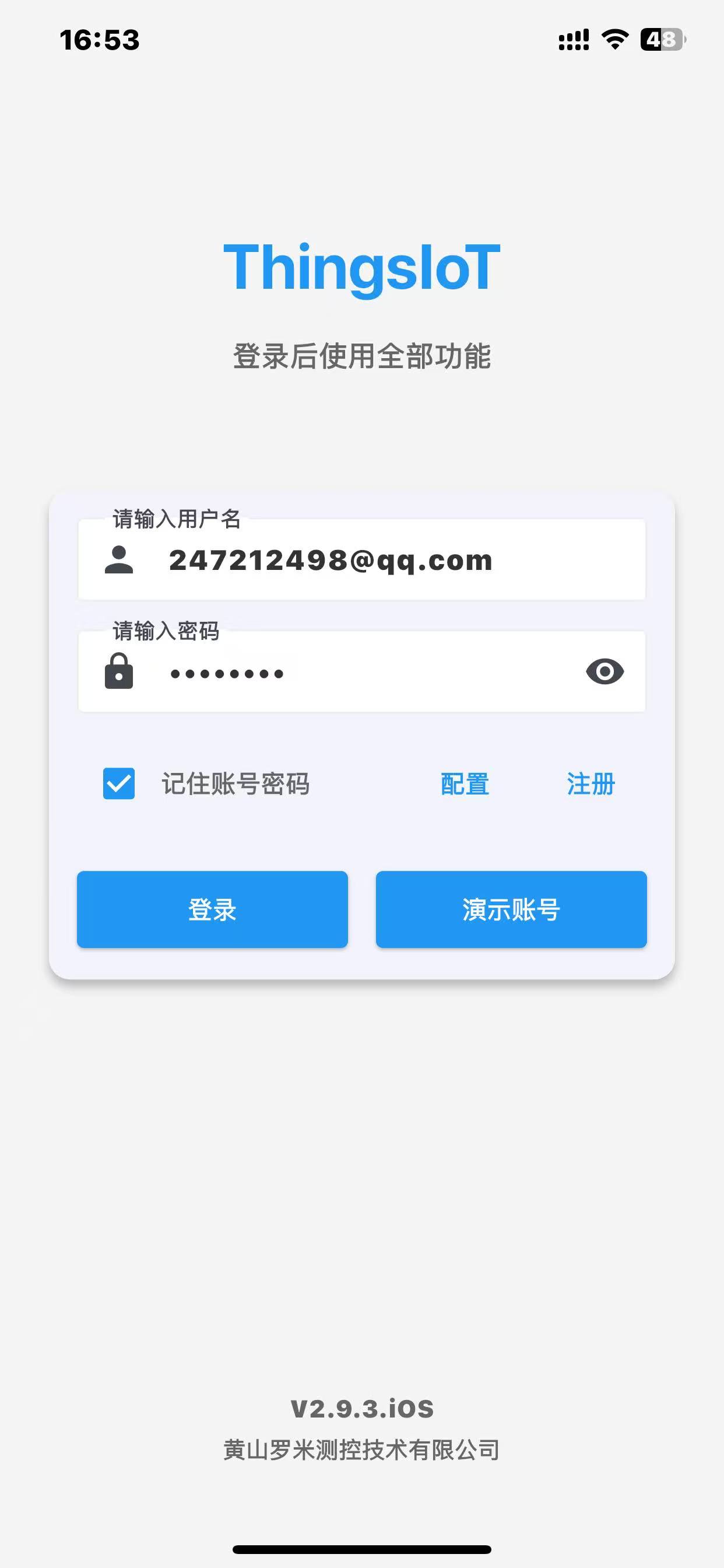
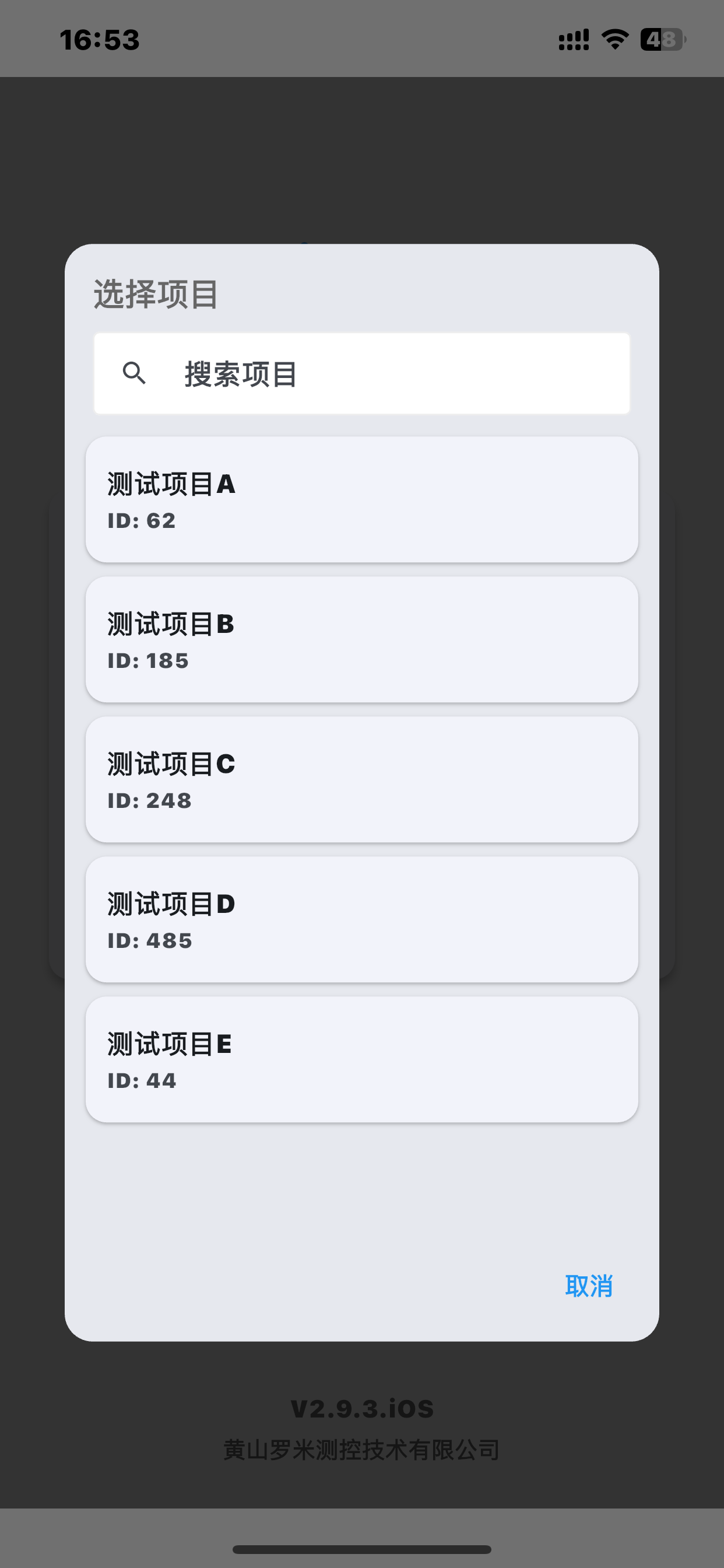
After downloading the app, sign in with your ThingsIoT platform account and select a project under the primary account. When an alarm is triggered, the notification is pushed to the phone.
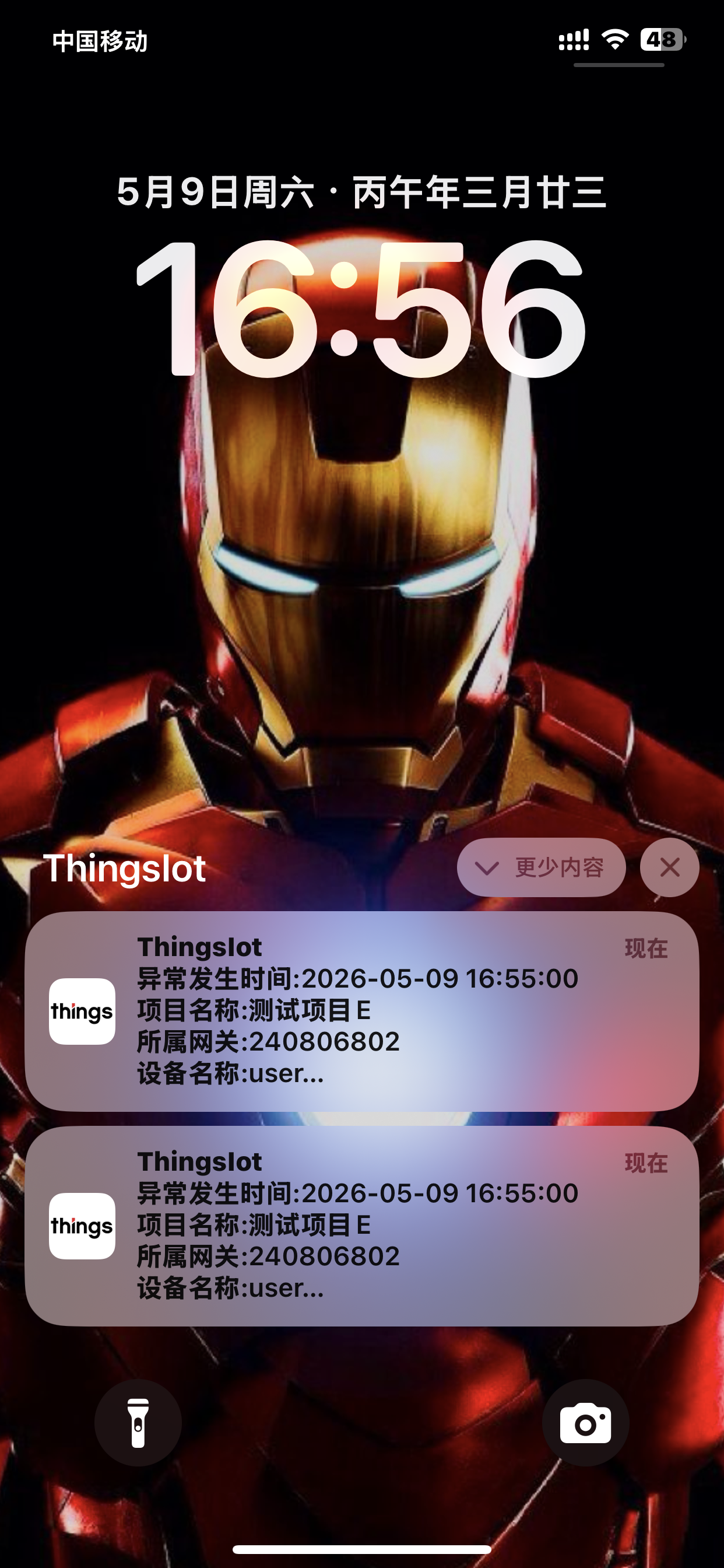
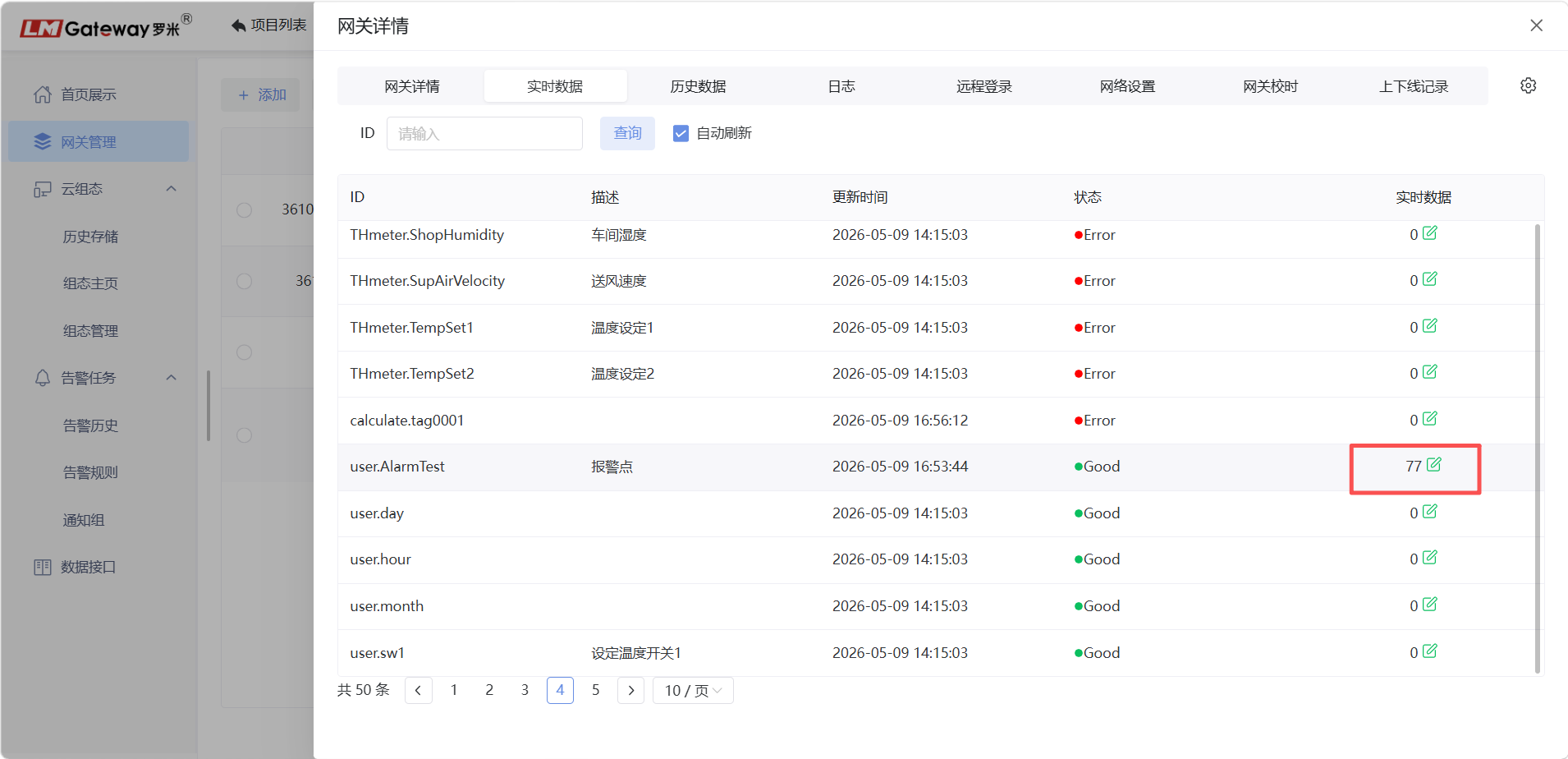
When the value of user.AlarmTest exceeds the configured limit, an alarm notification is pushed to the mobile device.